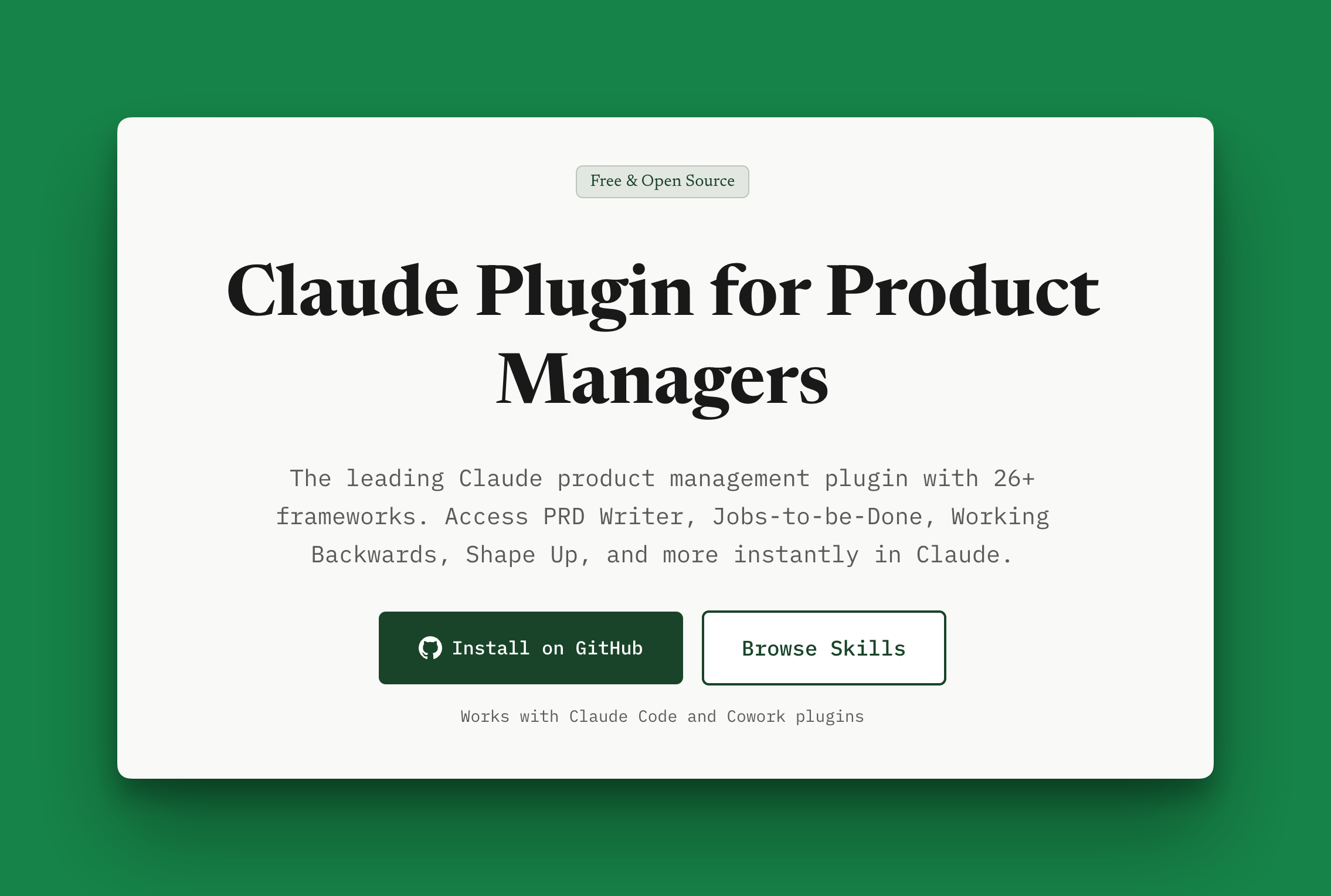
Shipping pmprompt Skills as a Claude Code Plugin
February 4, 2026
projects product-management aiI've been trying to make PM work more repeatable. Not by replacing judgment, but by packaging the workflows that reliably produce clarity.
This week I shipped the pmprompt skills library as a Claude Code plugin.
Why
Most PM artifacts are the same shape every time:
- a PRD that forces tradeoffs
- a prioritization doc that makes the why explicit
- a positioning teardown that clarifies alternatives
- a discovery framework that keeps you honest
The hard part isn't writing. It's remembering the structure, asking the right questions, and making decisions visible.
What it is
A public Claude Code plugin that adds Agent Skills under the pmprompt namespace (e.g. /pmprompt:prd-writer).
This is the same idea I wrote about in Compound Engineering for Laravel — make each iteration teach the system so the next one is easier.
What I built (in plain English)
A public Claude Code plugin that gives you namespaced commands like:
/pmprompt:prd-writer/pmprompt:jobs-to-be-done/pmprompt:working-backwards
Each one produces a structured draft (PRD, positioning notes, prioritization, discovery frameworks, etc.) so you're not starting from a blank page every time.
Why a plugin (instead of copy/pasting skills)
If you've ever copied a .claude/skills folder between projects, you know the pain: it's easy to drift, and hard to keep things in sync. A plugin gives you:
- versioning
- repeatability
- a single repo to update
Installation + Usage
1. Clone the plugin repo
git clone https://github.com/pmprompt/claude-plugin-product-management.git
cd claude-plugin-product-management
2. Start Claude Code with the plugin loaded
claude --plugin-dir .
3. Invoke a skill
Try something concrete:
/pmprompt:prd-writer
Then paste your real context:
- the user + problem
- constraints
- what success looks like
- what's out of scope
You'll get a structured PRD draft you can iterate on and share.
My recommended way to use these
The mistake people make with AI is treating it like a magic answer machine. The right mental model is closer to a drafting partner with infinite patience.
A simple loop that works:
- Generate a draft
- Critique it (missing, unclear, risky)
- Revise with constraints
- Save what worked
Links
- Plugin repo: https://github.com/pmprompt/claude-plugin-product-management
- Browse the skills: https://pmprompt.com/skills
- Guide: https://pmprompt.com/blog/ai-agent-skills-guide
What's next
If you try the plugin and it's missing your most common workflow, tell me what you want packaged next.
Learn more about the claude product management plugin on pmprompt.