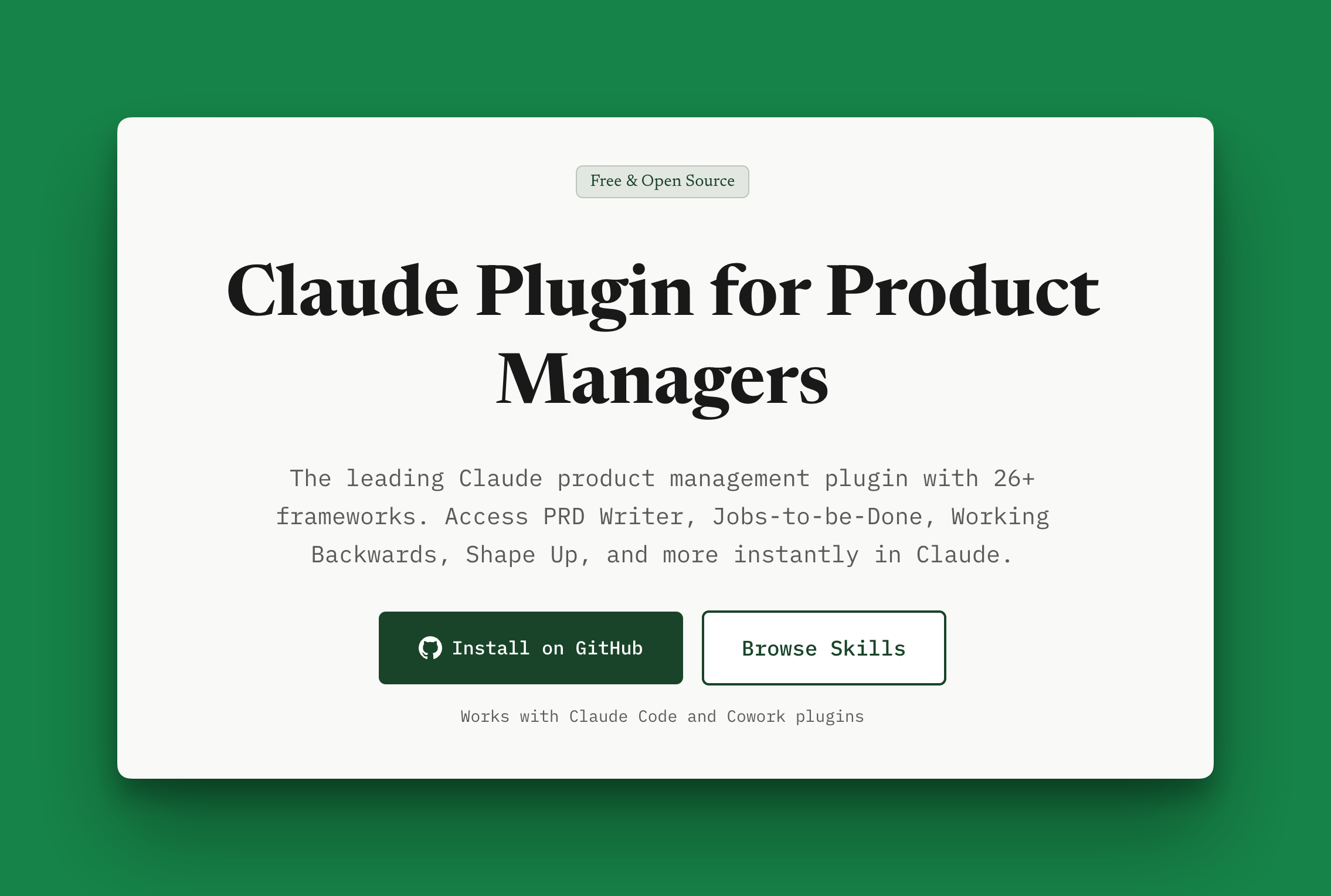
Shipping pmprompt Skills as a Claude Code Plugin
February 4, 2026
projects product-management aiI've been packaging the PM workflows in PMPrompt so I can reuse them across projects. Copying a skills folder works, but keeping those copies in sync gets annoying.
This week I shipped the pmprompt skills library as a Claude Code plugin.
One place to keep the workflows
The plugin gives me one repo to version and update. The workflows travel together instead of becoming slightly different copies in each project.
It adds commands under the pmprompt namespace, including:
/pmprompt:prd-writer
/pmprompt:jobs-to-be-done
/pmprompt:working-backwards
Each skill packages a workflow for producing a draft. The questions and structure are there so I don't have to recreate them every time. I still have to supply the context and make the decisions.
This follows the same line of thinking as my compound engineering experiment with Laravel: save what worked so the next piece of work can use it.
Try it locally
Clone the repo and load it into Claude Code:
git clone https://github.com/pmprompt/claude-plugin-product-management.git
cd claude-plugin-product-management
claude --plugin-dir .
Claude Code supports loading a local plugin directory this way; the plugin documentation covers the mechanics.
Then run /pmprompt:prd-writer with a real problem. Give it the users, constraints, what success looks like, and what's outside the scope.
Read the result. What's missing? Which assumption doesn't hold? Which tradeoff did it gloss over? Revise with that information and save improvements to the workflow when they're worth reusing.
A longer draft isn't necessarily a better PRD. The useful test is whether it makes the decisions and unanswered questions easier to see.
You can browse the skills, read the plugin guide, or get the source on GitHub. If your most common PM workflow is missing, tell me what you'd want packaged next.