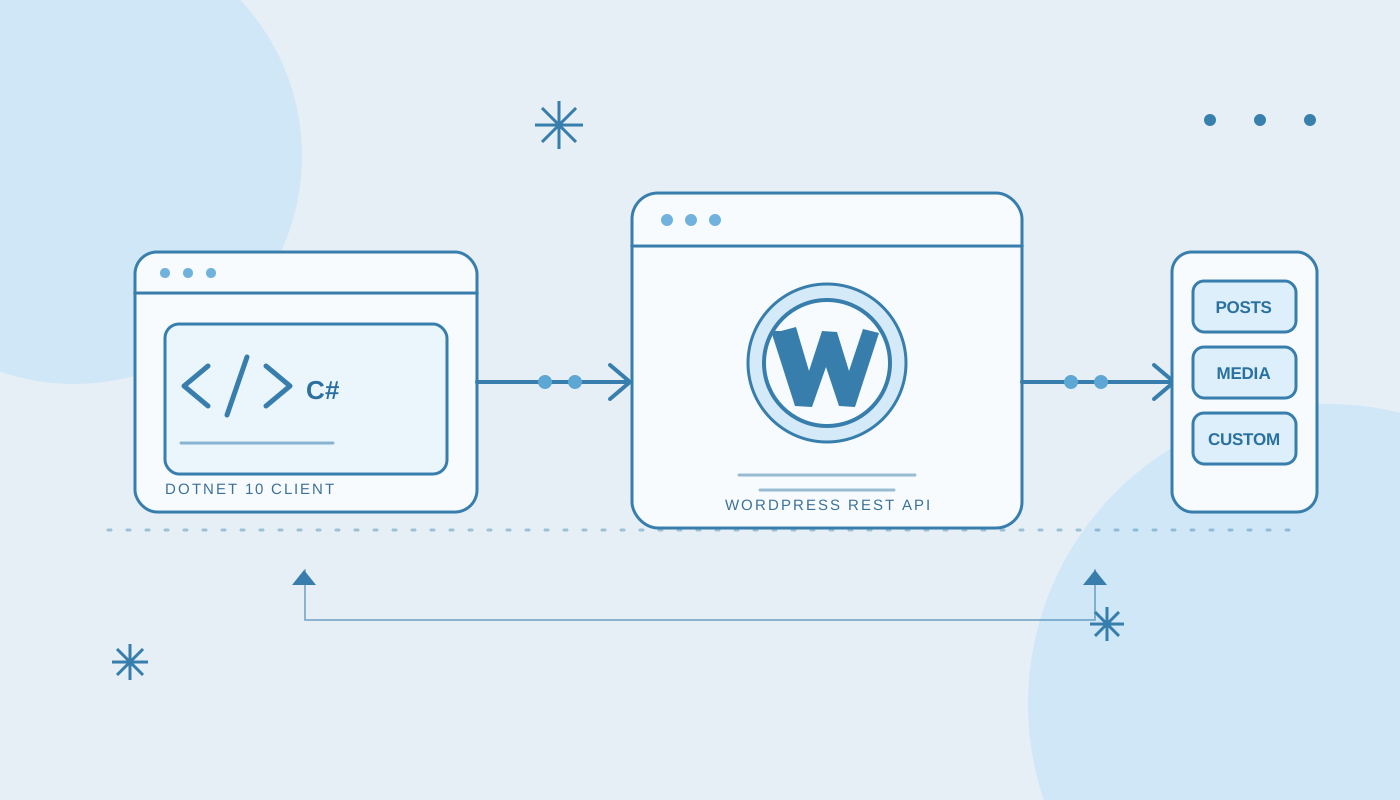
WordPressSharp 2.0: A .NET 10 Client for the WordPress REST API
September 25, 2026
development wordpress projectsI started WordPressSharp in 2014 to make it easier for C# applications to talk to WordPress. The library used XML-RPC, targeted .NET Framework 4.5, and did the job it was built for. I even wrote an old walkthrough for publishing a post with WordPressSharp.
That version had been sitting still for a long time. I recently brought it forward as WordPressSharp 2.0: a .NET 10 client for the WordPress REST API, now available on NuGet.
Why replace XML-RPC?
The original client was built around WordPress's XML-RPC interface and an old third-party library. Keeping that stack working in modern .NET applications would mean preserving a protocol and project structure that have both aged out of the way most people build .NET software today.
WordPress's REST API gives the client a more natural foundation: HTTP methods, JSON request and response bodies, status codes, and routes that describe resources. It also gives WordPress and its plugins a standard way to expose new capabilities.
What's in version 2
The library now targets .NET 10 and uses SDK-style projects and the built-in HttpClient and System.Text.Json APIs. Its asynchronous methods accept cancellation tokens, collection calls expose WordPress pagination headers, and API errors include the server's error code and response data.
There are typed models and helper methods for common WordPress resources: posts, pages, media, comments, users, categories, tags, settings, post types, taxonomies, revisions, and blocks. Media can be uploaded from a stream.
The built-in REST API is only part of a WordPress site's surface area. Plugins and custom content types can add their own routes, so the client also supports REST index discovery, endpoint schema inspection, and generic JSON requests. For custom post types and taxonomies, callers can use their registered REST base rather than waiting for a library update.
using WordPressSharp;

using var client = new WordPressClient(new WordPressClientOptions
{
    SiteUri = new Uri("https://example.com/"),
    Username = "api-user",
    ApplicationPassword = Environment.GetEnvironmentVariable("WORDPRESS_APP_PASSWORD")!
});

var posts = await client.GetPostsAsync(new WordPressListOptions
{
    PerPage = 20,
    Search = "launch",
    Status = "publish"
});
For server-to-server authentication, WordPress Application Passwords are sent with Basic authentication over HTTPS. The client checks the site URL and only sends those credentials to the configured host and port. The example reads the password from an environment variable so it doesn't have to live in source control.
How we rebuilt it
This was a rewrite rather than a framework retarget. The old implementation was built around XML-RPC proxy interfaces and a third-party serializer. Version 2 replaces that layer with an SDK-style .NET 10 library using HttpClient for transport and System.Text.Json for JSON. There are no XML-RPC package binaries to carry forward.
The client owns the common HTTP behavior: it builds route URLs, serializes request bodies, forwards cancellation, reads WordPress's pagination headers, and turns WordPress JSON errors into a typed exception. It can create its own HttpClient, or accept one from the caller so applications can integrate their own handlers and lifetime management.
I also replaced the tests that called a live WordPress site with tests using a fake HTTP handler. That lets the request URLs, JSON payloads, pagination, authentication headers, discovery flow, and error responses be checked without a site or credentials.
How a request works
Point the client at a WordPress site and, for authenticated server-to-server requests, provide an Application Password. The client discovers the REST root from the site's API link when needed, then calls routes such as wp/v2/posts. Application Password credentials are sent over HTTPS only to the configured site's host and port.
Collection helpers return both the items and the total counts WordPress puts in response headers. Writes use ordinary REST requests, and failures surface as WordPressApiException with the HTTP status, WordPress error code, message, and any structured error data. Async methods accept a CancellationToken, so callers can stop in-flight requests when their work is no longer needed.
The built-in helpers cover common resources—posts, pages, media, comments, users, categories, tags, settings, post types, taxonomies, revisions, and blocks—but WordPress installations are customizable. The client can inspect the API index and endpoint schemas, and it also exposes generic JSON requests for plugin routes. Custom post types and taxonomies can be called using their registered REST bases.
That combination is the main design choice in 2.0: convenient typed operations for the standard WordPress surface, without making the library a bottleneck when a site adds its own endpoints.
A major-version break
This is a real 2.0, not a drop-in upgrade. The XML-RPC client and its old models are gone. Existing consumers will need to move to the REST client API, configure an Application Password (or provide their own HttpClient authentication handler), and update their request/response handling.
The result is a modern foundation for talking to WordPress from .NET: async HTTP and JSON, typed helpers for core resources, and a direct path to the custom APIs that make each WordPress site its own.